
Currently Empty: ₹0.00
Computers
Practical Computer Knowledge: 7 Smart Skills
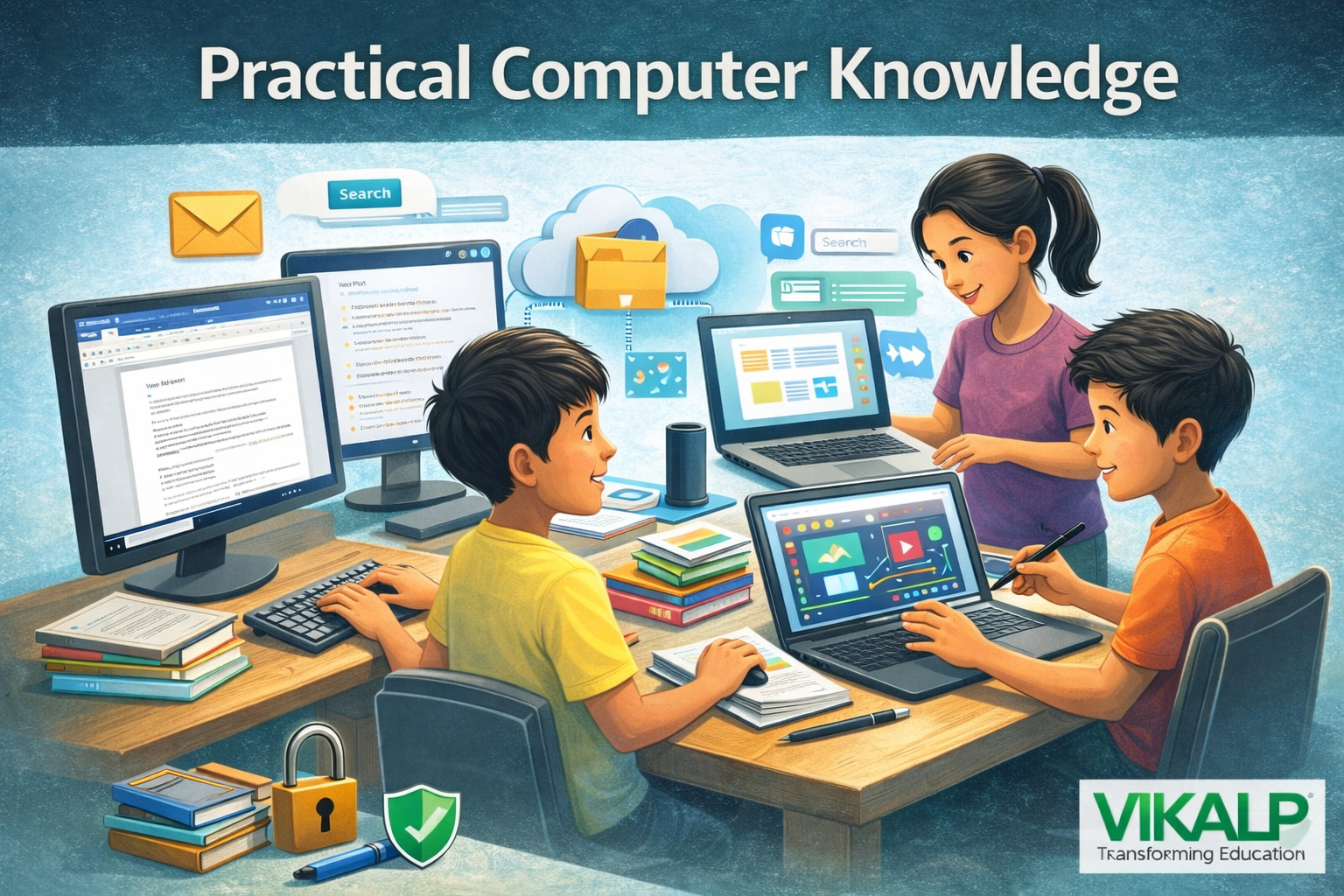
What Is Practical Computer Knowledge
In today’s digital world, computers are more than just devices for typing or playing games. They have become essential tools for learning, communication and creativity. Practical Computer Knowledge helps students use technology confidently for schoolwork, online classes and everyday tasks. Students between the ages of 10 and 18 need to develop strong digital skills to succeed in modern education and prepare for future careers.
Practical Computer Knowledge means learning real, hands-on skills required to use computers effectively. It includes understanding how to operate a computer, use the internet safely, create documents and manage files. These skills help students complete assignments easily and become independent learners.
Why Students Need Computer Skills
Schools now rely heavily on digital platforms. Homework, projects, exams and communication often happen online. Practical Computer Knowledge helps students research topics, prepare presentations, submit assignments and collaborate with classmates. It also builds confidence and improves learning speed.
Basic Operating System and Typing Skills
Students should know how to use common operating systems such as Windows, macOS or ChromeOS. Important skills include opening applications, managing settings, using the search bar and taking screenshots. Typing skills are equally important. Learning touch typing and basic keyboard shortcuts helps students complete tasks faster and more accurately.
Internet, Email and Online Learning Platforms
Using the internet correctly is a key part of Practical Computer Knowledge. Students should know how to search for information, open tabs, bookmark websites and stay safe online. Email skills are essential for school communication, including sending assignments and receiving instructions. Online learning platforms like Google Classroom, Zoom and Microsoft Teams are widely used, so students must know how to join classes and submit work.
File Management and Office Tools
Good file management keeps work organized. Students should learn how to create folders, rename files and store documents properly. Word processing tools such as MS Word or Google Docs help in writing assignments, while presentation tools like PowerPoint and Google Slides help explain ideas clearly. Basic spreadsheet skills using Excel or Google Sheets are useful for calculations and data handling.
Cyber Safety, Coding and Creative Skills
Cyber safety is an important part of Practical Computer Knowledge. Students must protect passwords, avoid unknown links and behave responsibly online. Learning basic coding using Scratch or Python builds logical thinking. Creative skills like drawing, video editing and designing posters help students express ideas creatively.
Conclusion
Practical Computer Knowledge is an essential life skill for every student today. It supports learning, improves productivity and prepares students for future opportunities. By mastering digital tools, students become confident, responsible and ready for the modern digital world.