
Currently Empty: ₹0.00
Information
Digilocker App: 7 Positive Hacks
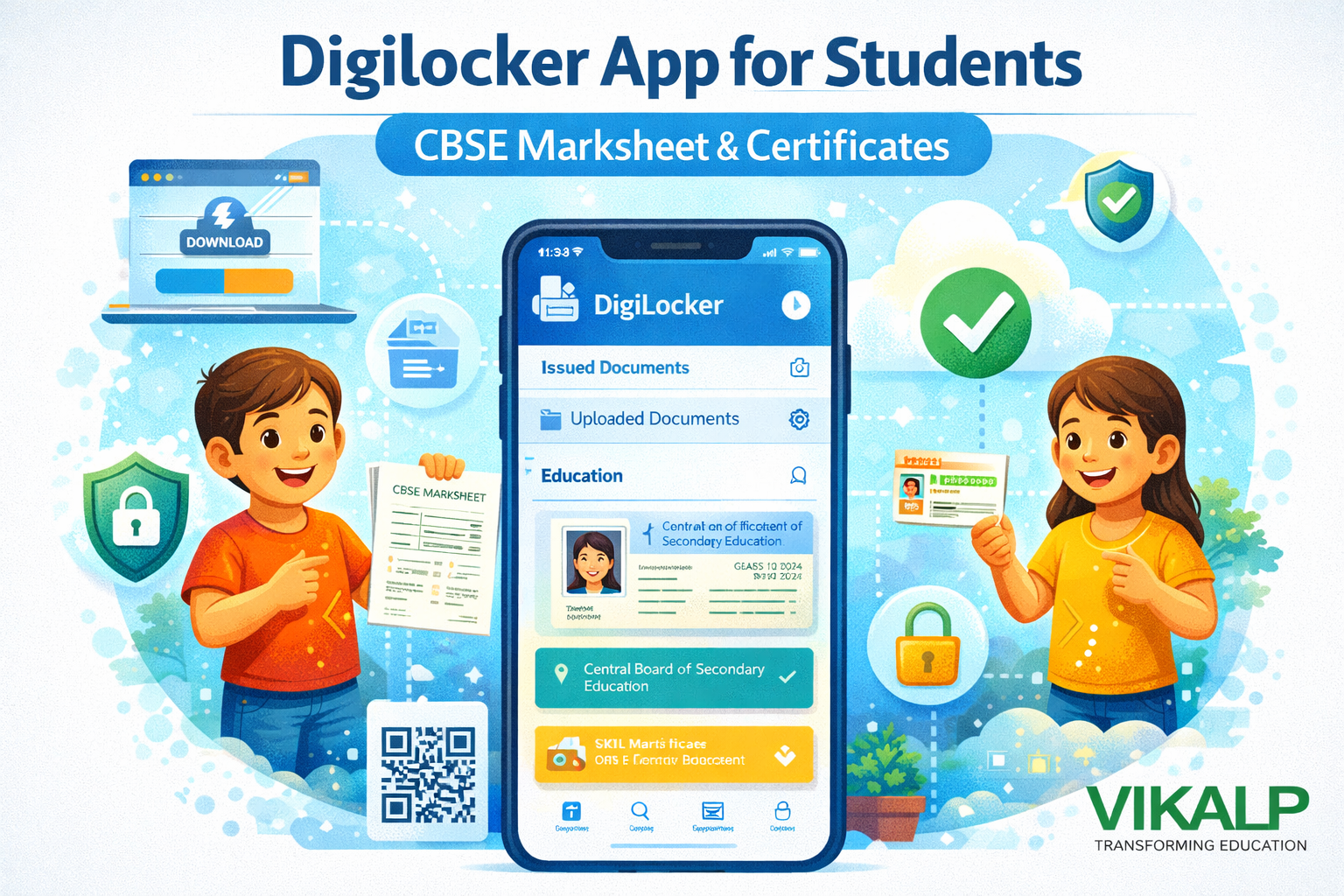
Digilocker App for Students
This provides a simple way to keep school documents safe and easy to access. Instead of worrying about lost or damaged papers, students and parents can store important files in one place. The Digilocker App for Students is especially useful during admissions, scholarship applications, or when schools ask for quick document proof.
What it is and why it helps
Think of it as digital document storage that keeps verified records and personal uploads together. This reduces stress during busy academic moments. With the Digilocker App for Students, you can access documents anytime, without carrying a folder everywhere.
How to download and set up
-
Install from your phone’s official app store
-
Sign up using mobile number and OTP
-
Set a security PIN
-
Complete basic profile details
Issued vs uploaded documents
-
Issued documents are shared by official issuers (like education boards or agencies)
-
Uploaded documents are files you add yourself (school ID, certificates, photos)
CBSE marksheet download steps
For CBSE marksheet download, students typically:
-
Open the app and log in
-
Go to education-related sections
-
Select CBSE and enter required exam details
-
Download the marksheet or certificate once available
This makes Digilocker App for Students a practical tool during Class 10 and Class 12 result seasons.
Sharing and safety tips
The app supports safe sharing options such as links or QR-based checks (as available). To stay safe, never share your PIN, avoid uploading blurry images, and keep your mobile number updated. With smart habits, the Digilocker App for Students becomes a reliable digital document storage solution for everyday student needs.
How to Access CBSE Marksheet in Digilocker
Steps for students:
- Open Digilocker app
- Log in with mobile number
- Go to “Education” section
- Select “Central Board of Secondary Education”
- Enter year, roll number and other details
- Download marksheet or certificate
The CBSE marksheet is automatically verified and contains a QR code.
How to Download CBSE Certificates
Students can download:
- Passing certificate
- Migration certificate
- Skill based certificates
Documents appear under “Issued Documents”.
How to Share Digilocker Documents
Students can share documents via:
- QR code
- Secure link
- Downloaded PDF
This makes admissions and applications easier.
How to Upload Personal Documents
Steps:
- Open “Uploaded Documents”
- Tap Upload
- Select file from gallery or files app
- Rename the document
Useful for school ID, photographs or church certificates.
Conclusion
The Digilocker app is an essential tool for students and parents who want secure, fast and easy access to school documents. It eliminates the need for physical copies and ensures that CBSE marksheets, certificates and IDs remain safe and accessible. By understanding how to download and use the app, students become more organized and independent in managing their academic records. Digilocker is a simple step toward digital learning and modern education.
FAQs
- What is Digilocker used for?
For storing verified digital documents like CBSE marksheets and certificates. - How do students access CBSE marksheets?
Through the Education section by entering roll number and year. - Is Digilocker safe for students?
Yes, it uses secure digital encryption. - Can parents also use Digilocker?
Yes, parents can manage and download documents for their children. - Is the Digilocker CBSE marksheet valid?
Yes, it is a verified and authentic digital document with a QR code